





What is a RendoraAI Wallet?
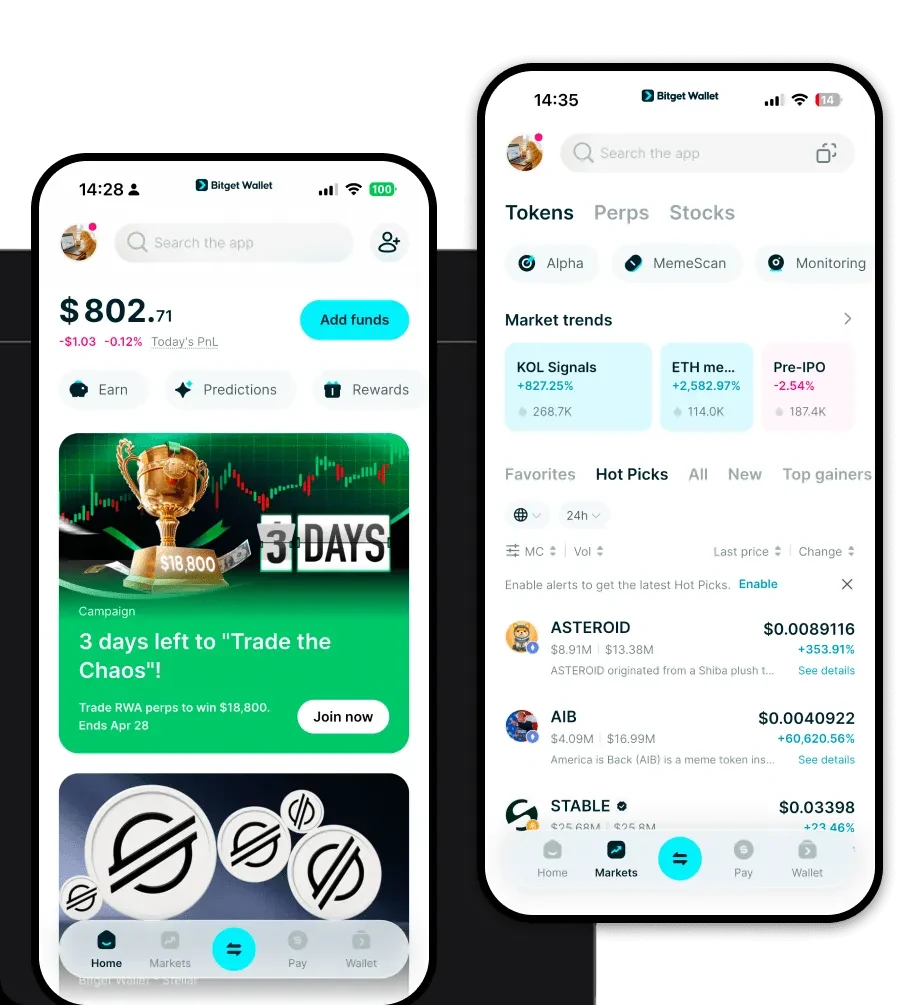
A RendoraAI wallet is a digital interface that allows you to securely store, send, and interact with RendoraAI tokens. As RendoraAI is built on the EVM (Ethereum Virtual Machine) blockchain, it functions seamlessly with any wallet that supports EVM standards. RendoraAI is a project leveraging cryptocurrency and Web3 technologies. Users can manage their RendoraAI assets through reliable and secure wallets like Bitget Wallet, which supports exploring the broader Web3 ecosystem.
Download Bitget RendoraAI Wallet
To get started with your digital assets, you need a reliable gateway. The Bitget Wallet app provides a robust, decentralized environment designed for both newcomers and advanced users. Whether you are on the move or working from a desktop, you can easily download Bitget Wallet across iOS, Android, or as a browser extension. It emphasizes self-custody, ensuring that you—and only you—hold the private keys to your RendoraAI holdings. With support for over 130 public chains, it acts as a unified hub for all your multi-chain activities, eliminating the need to juggle multiple apps.
Why Choose Bitget RendoraAI Wallet?
Choosing the right wallet for an infrastructure-focused token like RendoraAI is critical. Bitget Wallet stands out for EVM-based projects by providing:
- Native EVM Compatibility: Seamlessly interact with RendoraAI smart contracts, ensuring smooth integration with the Ethereum ecosystem and related Layer 2 networks.
- AI-Integrated Infrastructure Support: Designed to handle the unique data requirements of AI-integrated projects, providing faster, more stable transaction processing.
- Advanced Security Framework: Backed by a $300 million protection fund, Bitget Wallet offers enterprise-grade security for your decentralized data processing activities.
- Cross-Platform Interoperability: Effortlessly manage your assets across different devices and networks, ensuring your RendoraAI tokens are always accessible.
How to Create a RendoraAI Wallet
- Download and Install: Visit the official Bitget Wallet website and download the application for your specific device (iOS, Android, or Browser Extension).
- Initialize Your Wallet: Open the app and select 'Create a New Wallet' to generate a fresh account.
- Backup Your Seed Phrase: Carefully write down your 12-word recovery phrase on paper and store it offline; this is the master key to your funds.
- Verify Account: Enter the recovery phrase as prompted by the app to confirm that you have saved it correctly.
- Access Your Address: Once set up, navigate to the main screen to find your EVM-compatible wallet address, which you can use to receive RendoraAI tokens.
What Can You Do With a RendoraAI Wallet?
Once your wallet is funded, you can unlock the full potential of the RendoraAI ecosystem:
- Token Trading: Utilize the built-in DEX aggregator to swap RendoraAI for other tokens directly within your wallet at competitive rates.
- Staking for Rewards: Participate in network consensus or specific liquidity pools by staking your RendoraAI tokens to earn consistent rewards.
- Governance Voting: Use your wallet to connect to RendoraAI DAO portals, allowing you to cast votes on crucial infrastructure proposals.
- Asset Management in Web3 Wallets: Track your portfolio performance and manage your digital assets across various dApps through a single, intuitive interface.
How RendoraAI Wallets Are Different from Other Crypto Wallets
Because RendoraAI operates on the EVM chain, its wallet requirements differ significantly from non-EVM chains. Unlike UTXO-based chains (like Bitcoin), which focus strictly on transaction inputs and outputs, EVM-compatible wallets like Bitget use an account-based model. This means your wallet balance is simply the current state of your account address. Furthermore, while some chains require complex resource management, EVM wallets focus on gas fee optimization, allowing you to adjust transaction speeds based on current network congestion. Bitget Wallet optimizes this by suggesting the best gas settings, ensuring your RendoraAI transactions are efficient and cost-effective.
