


What is a Mitaka Wallet?
A Mitaka wallet is a digital interface that allows you to store, send, and receive your Mitaka tokens securely. Since Mitaka operates on the EVM (Ethereum Virtual Machine) blockchain, it requires a wallet that fully supports the ERC-20 token standard and provides seamless interaction with Ethereum-based smart contracts. Whether you are interacting with decentralized exchanges or exploring the latest community-driven initiatives, your wallet serves as your personal gateway to the blockchain.
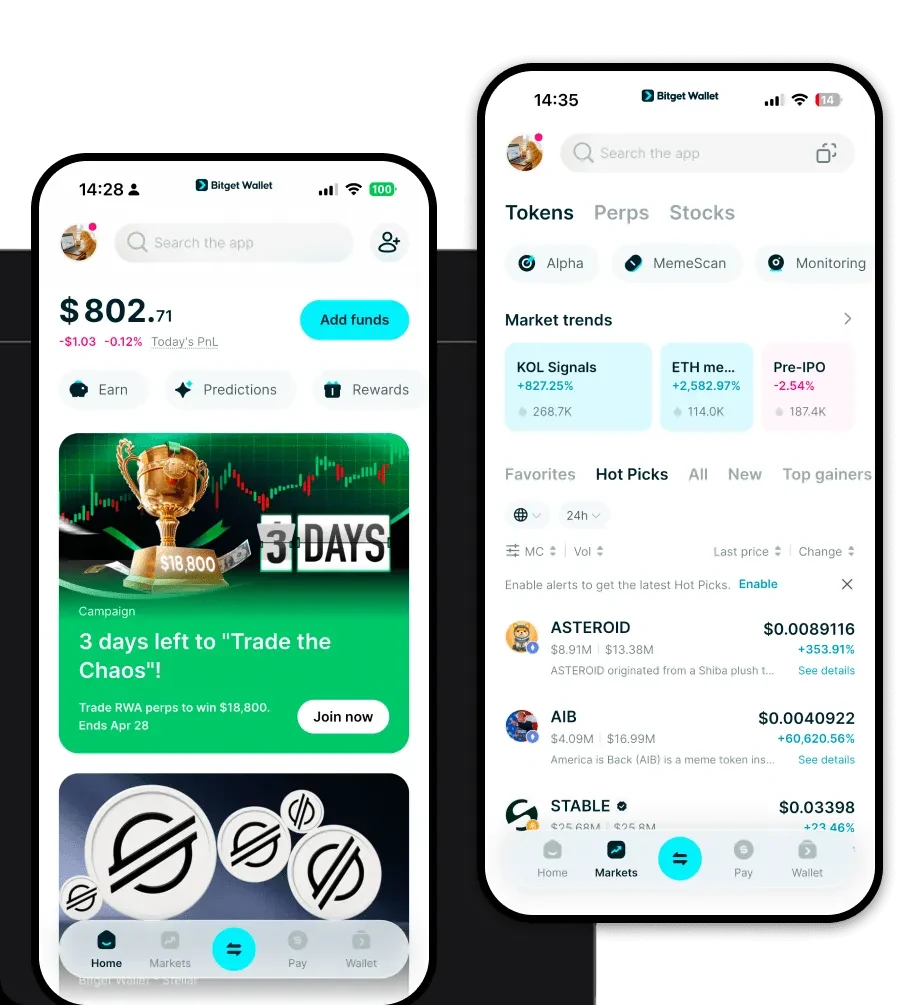
Are you looking for a reliable and secure crypto wallet for your MITAKA? Bitget Wallet will be your best choice. Trusted by 40 million users, you can freely explore Web3 on Bitget Wallet. Start your journey now!
Download Bitget Mitaka Wallet
To get started, you need a robust tool that keeps your assets safe while offering a smooth user experience. You can easily download Bitget Wallet to access your Mitaka tokens across multiple devices. Whether you prefer managing your portfolio on the go via iOS or Android, or you need a powerful browser extension for desktop-based DeFi activities, Bitget Wallet has you covered. It offers full self-custody of your private keys, ensuring you remain the sole owner of your assets, while its comprehensive multi-chain support means you can manage Mitaka alongside hundreds of other tokens in one unified interface.
Why Choose Bitget Mitaka Wallet?
For a Meme coin like Mitaka, choosing the right wallet is crucial for speed and cost-efficiency. Here is why Bitget Wallet stands out for your needs:
- Native EVM Compatibility: Designed specifically for the Ethereum ecosystem, ensuring that Mitaka transactions are processed smoothly without compatibility issues.
- Low Transaction Costs: Optimized to help you navigate gas fees effectively, which is essential for active Meme coin traders who prioritize efficiency.
- High Liquidity Access: Built-in aggregation of hundreds of DEXs ensures you get the best price when swapping Mitaka, providing high liquidity whenever you need it.
- Community-Driven Features: The interface is tailored for the modern Web3 user, making it easy to track trends and engage with the community directly within the app.
- Advanced Decentralized Trading: Experience a seamless trading environment that eliminates the need for centralized intermediaries, keeping your trading experience purely on-chain.
How to Create a Mitaka Wallet
Setting up your wallet is a straightforward process designed for both beginners and experienced users:
1. Download and Install: Visit the official website to download Bitget Wallet for your mobile device or browser.
2. Create a New Wallet: Open the app and select 'Create a Wallet'. This will generate a new set of private keys for your address.
3. Secure Your Seed Phrase: You will be given a 12-word recovery phrase. Write this down on paper and store it offline; never share this with anyone.
4. Verify Your Backup: The app will ask you to confirm your phrase to ensure you have saved it correctly.
5. Add Mitaka: Once your wallet is active, use the 'Add Token' feature and paste the Mitaka contract address to view your balance on your home screen.
What Can You Do With a Mitaka Wallet?
Holding Mitaka is just the beginning. With Bitget Wallet, you can maximize your utility through several key actions:
- Speculative Trading: Actively trade Mitaka on decentralized exchanges to capitalize on market volatility and price movements.
- Holding for Community Participation: Keep your tokens secure in your wallet to maintain eligibility for community-driven events, governance votes, or exclusive airdrops.
- Liquidity Provision: Contribute your Mitaka to liquidity pools on supported DEXs to earn transaction fees and support the ecosystem.
- Portfolio Diversification: Easily manage Mitaka alongside other assets to balance your portfolio and reduce risk exposure across your crypto holdings.
- Cross-Platform Asset Management: Use your wallet to seamlessly sync your assets across various dApps, allowing you to manage your Mitaka from any web-enabled environment.
How Mitaka Wallets Are Different from Other Crypto Wallets
Not all wallets are built the same, especially when dealing with EVM-based Meme coins. While some wallets focus on simple storage, a dedicated Mitaka wallet on the EVM model, like Bitget Wallet, focuses on the complexities of the account-based model. Unlike UTXO-based wallets (like Bitcoin) that track unspent transaction outputs, EVM wallets manage account balances and contract states. This allows for more complex interactions, such as executing smart contracts for decentralized trading. Furthermore, Bitget Wallet optimizes the gas estimation process, ensuring that your transactions are not only fast but also cost-effective compared to traditional wallets that lack advanced network fee management features.
