





1. What is a Filecoin Wallet?
A Filecoin wallet is a specialized digital interface that allows you to manage your FIL tokens, interact with the Filecoin network, and participate in the broader decentralized storage ecosystem. Unlike traditional banking apps, a Filecoin wallet gives you direct control over your private keys, ensuring you are the sole custodian of your assets.
As for the underlying technology, Filecoin operates on its own unique blockchain, distinct from Ethereum or Bitcoin. Filecoin is a decentralized storage network designed to store humanity's most important information, allowing users to rent out unused storage space while providing a secure and verifiable way to store data globally. Because it is a specialized infrastructure (Infra) project, your wallet needs to support the specific requirements of the Filecoin protocol, including its unique consensus mechanisms like Proof-of-Replication and Proof-of-Spacetime.
2. Download Bitget Filecoin Wallet
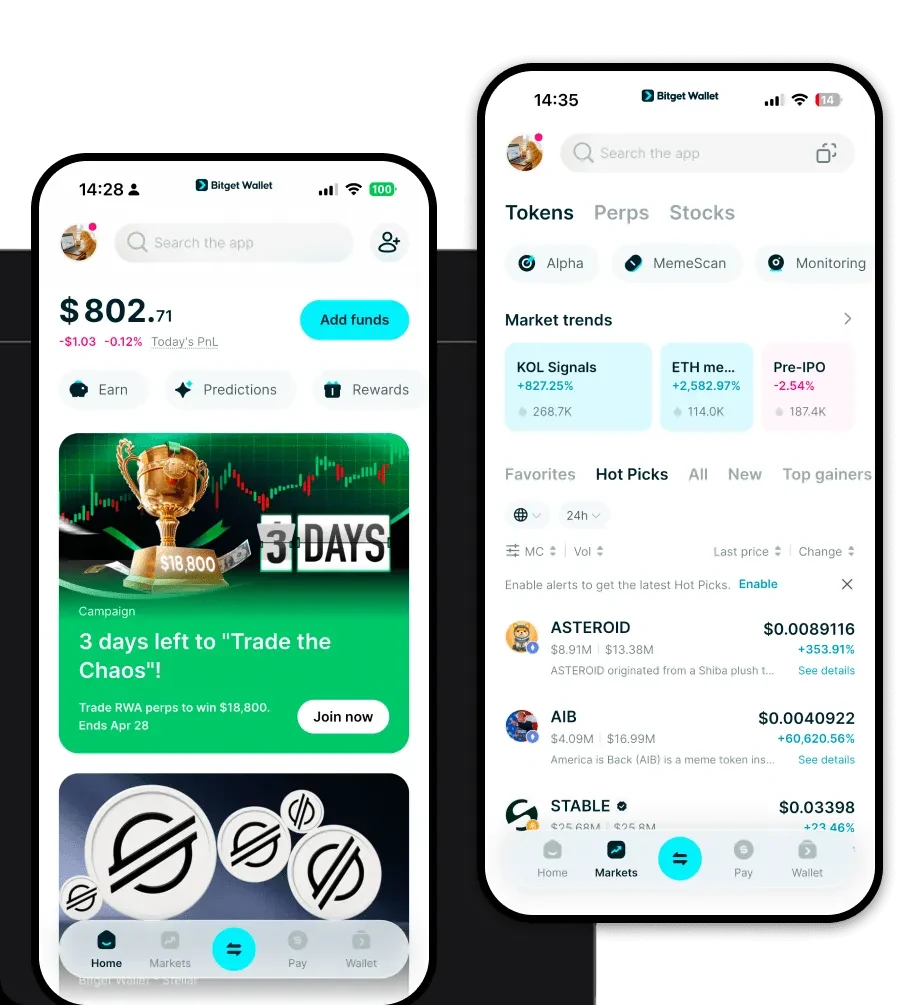
Finding the right tool to manage your digital assets shouldn't be a hurdle. When you download Bitget Wallet, you are choosing a versatile, non-custodial gateway that simplifies complex blockchain interactions. Whether you are a storage provider or a long-term FIL holder, Bitget Wallet offers a seamless experience across devices.
Bitget Wallet is built for the modern user, providing robust support for mobile and desktop environments. You can easily access your assets via the iOS or Android mobile apps, or integrate the browser extension for desktop interactions. Because it is a self-custodial wallet, you retain total control over your private keys, meaning your assets are never held by a third party. Furthermore, with its expansive multi-chain support, you can manage your Filecoin alongside tokens from over 130 other mainstream chains, providing a unified dashboard for your entire crypto portfolio.
3. Why Choose Bitget Filecoin Wallet?
Choosing the right wallet for Filecoin is about more than just storage; it is about security and performance within an infrastructure-heavy ecosystem. Here is why Bitget Wallet stands out:
- Advanced Infrastructure Integration: Bitget Wallet is optimized for infrastructure projects, ensuring seamless interaction with Filecoin's unique proof-of-replication and proof-of-spacetime protocols, which are essential for verifying data availability.
- Enterprise-Grade Security: With a $300 million user protection fund, Bitget Wallet provides a massive safety net, ensuring your assets are protected against unforeseen network vulnerabilities.
- Unified Asset Management: Unlike wallets that only support EVM chains, Bitget provides a comprehensive interface to manage FIL alongside other diverse assets, reducing the need to switch between multiple applications.
- Intuitive DApp Browser: Easily access the Filecoin ecosystem and decentralized storage protocols directly through the built-in DApp browser, which simplifies the process of interacting with storage providers and governance platforms.
4. How to Create a Filecoin Wallet
Setting up your Filecoin wallet via Bitget is straightforward and designed with user security as the top priority. Follow these steps to get started:
- Download and Install: Visit the official website and download the Bitget Wallet app for your preferred device (iOS, Android, or Browser Extension).
- Create a New Wallet: Open the app and select 'Create a Wallet.' You will be prompted to set a strong security password.
- Backup Your Mnemonic Phrase: The app will generate a 12-word recovery phrase. Write this down on paper and keep it offline. Never share this phrase with anyone.
- Verify Your Backup: Enter the phrase as prompted to confirm you have saved it correctly. This is your master key to your funds.
- Add Filecoin (FIL): Once in the main dashboard, use the 'Manage Tokens' feature to search for FIL and add it to your wallet list. You are now ready to receive and manage your Filecoin assets.
5. What Can You Do With a Filecoin Wallet?
A Filecoin wallet is your functional key to the decentralized web. Beyond just holding tokens, here is how you can actively engage with the Filecoin network:
- Staking for storage providers: You can use your FIL to provide the necessary collateral required by storage providers to participate in the network, earning potential rewards in return.
- Paying for decentralized storage services: Use your wallet to seamlessly pay for global, verifiable decentralized storage services, ensuring your data is stored securely without relying on centralized servers.
- Governance voting: Participate in the Filecoin DAO and protocol upgrades by using your held FIL to vote on key proposals that shape the future of the network.
- Data retrieval: Utilize your wallet to facilitate the payment of retrieval fees, ensuring you can quickly and efficiently access the data you have stored on the network.
- Storage capacity leasing: Engage in the economy by leasing your storage capacity to others, using your wallet to manage the income generated from these operations.
6. How Filecoin Wallets Are Different from Other Crypto Wallets
It is important to understand that not all wallets are created equal, especially when moving between different blockchain architectures. If you are used to Ethereum-based wallets (which use the Account model and are compatible with MetaMask), the Filecoin experience requires a slightly different focus.
Filecoin is not an EVM-compatible chain in the traditional sense; it is a specialized storage network. While many wallets focus on gas fee optimization for DeFi swaps, a Filecoin-capable wallet must prioritize the stability and verifiable nature of the storage proofs. Unlike Bitcoin wallets that rely on UTXO (Unspent Transaction Output) models for simple value transfers, Filecoin wallets must handle complex state transitions related to storage deals and sector management. Therefore, choosing a robust wallet like Bitget is crucial because it bridges the gap, allowing you to handle these specialized storage-related transactions with the same ease as a standard token transfer.
