bits
bits Wallet: Best Wallet to Store, Send & Use bits (2026 Guide)
Download the best back tits wallet to store, send, and use back tits. Learn how to create a back tits wallet, access DApps, and manage your back tits securely.
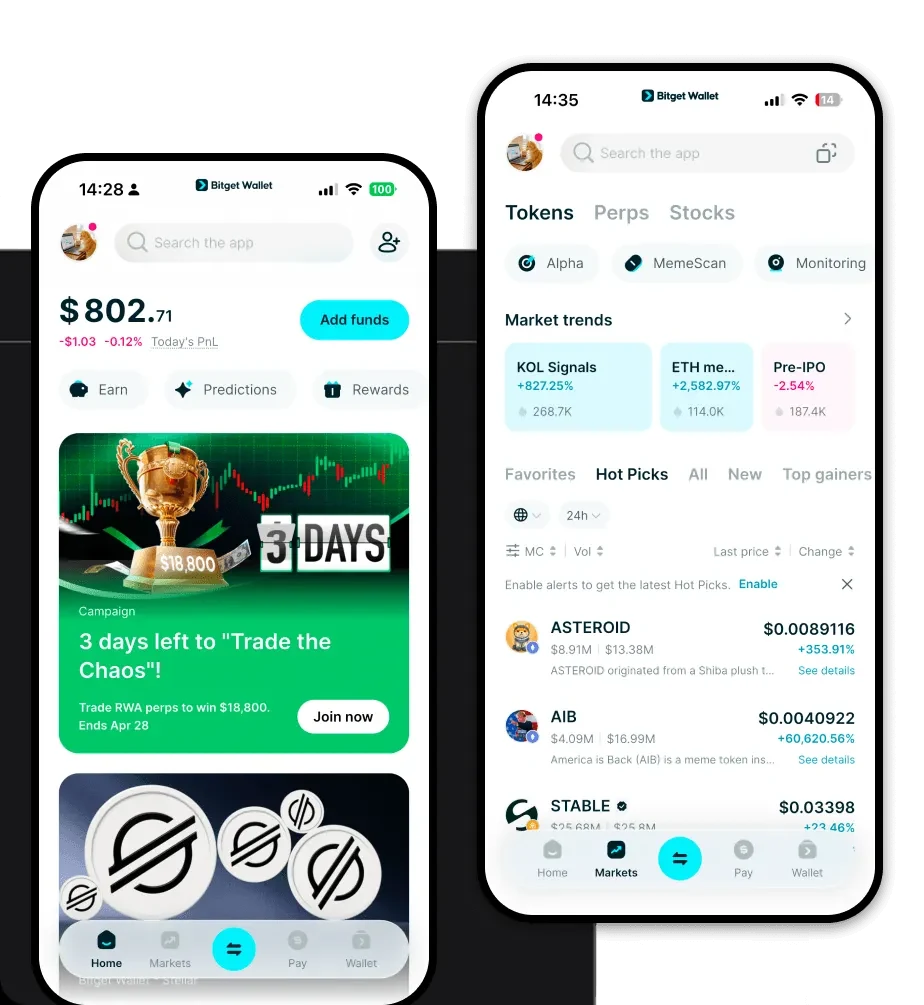
FAQ
Questions, answered.
Is bits wallet safe?
Yes, it is highly secure. When you use Bitget Wallet, you maintain full control over your private keys, meaning your assets are non-custodial. Additionally, Bitget employs advanced security measures, including a 300 million USD user protection fund and MPC technology, to ensure your bits tokens are shielded from unauthorized access.
How to get a bits wallet address?
Once you have created your wallet following the setup steps in this guide, your bits wallet address is automatically generated. You can find it on the main dashboard by tapping the 'Receive' button or clicking on the address icon, which allows you to copy and share your public address to receive tokens.
Can I store bits on Bitget Wallet?
Absolutely. Bitget Wallet is fully compatible with bits and the broader EVM ecosystem. You can store, send, receive, and swap your bits tokens directly within the app, benefiting from a secure and user-friendly interface designed for both beginners and advanced crypto users.