What is a WFP Wallet?
A WFP wallet is a digital tool designed to store, manage, and interact with the WFP token ecosystem. As WFP refers to the World Food Programme token ecosystem, which leverages blockchain technology to facilitate transparent and efficient humanitarian aid distribution, it is essential to use a wallet that understands these unique requirements. Because WFP operates on the EVM (Ethereum Virtual Machine) blockchain, a compatible wallet is necessary to interact with smart contracts and manage your assets effectively. Bitget Wallet provides a reliable and secure environment for users to manage WFP assets, allowing for seamless Web3 exploration and transaction management, ensuring you remain in control of your digital humanitarian contributions.
Download Bitget WFP Wallet
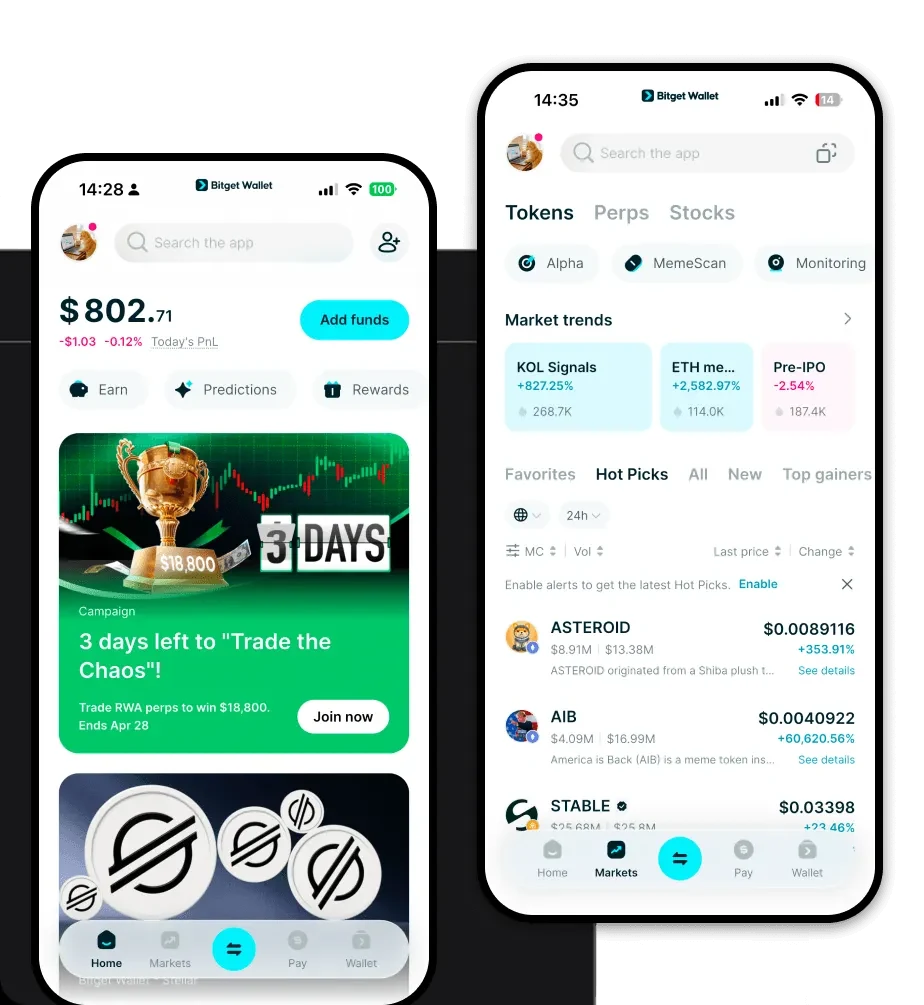
Getting started with your digital assets shouldn't be complicated. To experience the best wallet for WFP, you need a solution that balances power with simplicity. Bitget Wallet offers a comprehensive, user-friendly interface that brings the world of Web3 to your fingertips. Whether you are on the go or at your desk, you can access your assets across mobile and desktop environments.
Bitget Wallet provides robust support for over 130+ blockchains, ensuring that your WFP tokens are always accessible. As a self-custodial wallet, you hold the private keys, giving you total ownership and control over your funds without relying on centralized intermediaries. You can easily download Bitget Wallet on iOS, Android, or as a browser extension to start managing your tokens immediately. This versatility makes the Bitget WFP wallet app a top choice for users who demand both security and flexibility in their daily operations.
Why Choose Bitget WFP Wallet?
Choosing the right wallet for an EVM-based token like WFP is critical for performance and security. Bitget Wallet is engineered to optimize your experience within the Ethereum Virtual Machine ecosystem:
- Native EVM Compatibility: Designed specifically for EVM chains, Bitget Wallet ensures seamless interaction with decentralized applications (DApps) and smart contracts related to the WFP ecosystem.
- Advanced Security Infrastructure: With over $300 million in user protection funds, your assets are shielded against potential threats, offering peace of mind for high-value humanitarian transactions.
- Optimized Gas Fee Management: The wallet provides intelligent gas estimation, helping you execute transactions efficiently even during periods of network congestion.
- Comprehensive Asset Tracking: Beyond storage, the wallet offers real-time market data and portfolio insights, crucial for monitoring the value and movement of your WFP holdings.
- Seamless Cross-Chain Capability: Easily swap WFP against hundreds of other tokens across multiple chains, thanks to the integrated aggregation of top-tier DEXs and bridges.
How to Create a WFP Wallet
Setting up your wallet is a straightforward process that takes only a few minutes. Follow these steps to get your WFP wallet address ready:
- Download and Install: Visit the official website to download Bitget Wallet for your preferred device (iOS, Android, or Chrome extension).
- Create a New Wallet: Open the app and select 'Create a Wallet.' You will be prompted to set a strong password to protect your local access.
- Backup Your Seed Phrase: The app will display a 12-word recovery phrase. Write this down and store it in a secure, offline location—this is the only way to recover your wallet if you lose your device.
- Verify Your Phrase: Enter the recovery phrase as requested to ensure you have backed it up correctly.
- Access Your WFP Address: Once initialized, navigate to the asset list, search for 'WFP,' and select it to view your unique public wallet address for receiving tokens.
What Can You Do With a WFP Wallet?
Using a dedicated wallet for WFP extends far beyond simple storage. Because this ecosystem is built for infrastructure and transparency, your wallet becomes a powerful tool for participation:
- Humanitarian Aid Distribution: You can directly receive or manage funds allocated through blockchain-based aid programs, ensuring funds reach their intended destination without friction.
- Charitable Donations: Use your WFP wallet to send contributions to verified addresses, leveraging the blockchain's transparency to see exactly how your donation is utilized.
- Asset Tracking: Monitor the flow of aid and tokenized resources in real-time, benefiting from the immutable nature of the EVM ledger.
- Cross-Border Payments: Facilitate efficient cross-border transfers to support global initiatives, bypassing traditional banking delays and high international fees.
- Wallet Storage: Safely hold your WFP assets in a self-custodial environment where you maintain full custody of your private keys at all times.
How WFP Wallets Are Different from Other Crypto Wallets
Not all wallets are created equal, especially when dealing with specific token standards like those on the EVM. Unlike legacy wallets that might struggle with complex smart contract interactions, a Bitget WFP wallet is built for the modern DeFi landscape. Because WFP operates on an account-based model (typical of EVM), your wallet acts as a smart contract interactive interface rather than just a simple UTXO balance tracker. This means you can easily approve token spending limits, interact with liquidity pools, and manage complex transaction histories. Furthermore, while some wallets prioritize simplicity over functionality, the Bitget WFP wallet app bridges this gap by offering advanced infrastructure features like gas fee optimization and multi-chain aggregation, ensuring that your transactions are not only secure but also cost-effective.