What is a DOAT Wallet?
A DOAT wallet is a secure digital interface that allows you to store, send, and manage your DOAT tokens on the blockchain. Because DOAT operates within the EVM (Ethereum Virtual Machine) ecosystem, it requires a wallet that is fully compatible with Ethereum-based standards, ensuring seamless interaction with smart contracts and decentralized applications. Whether you are holding DOAT for the long term or actively engaging with the ecosystem, having a reliable wallet is the first step in your Web3 journey.
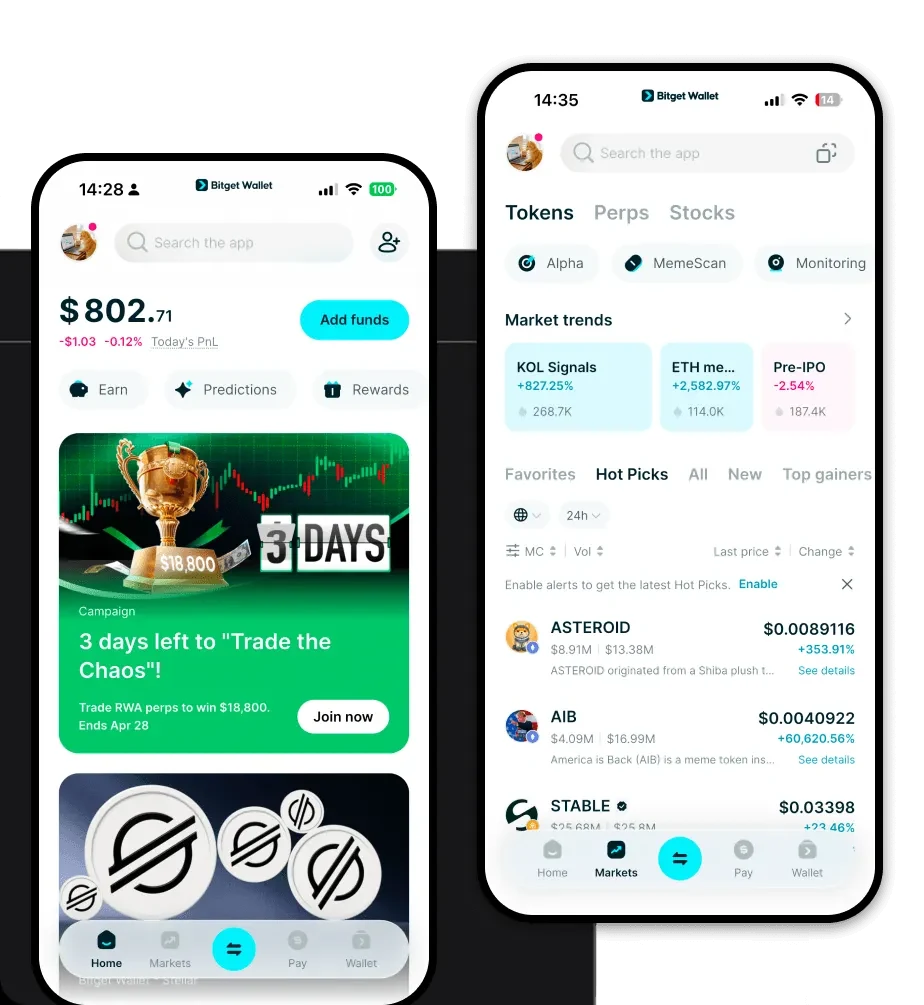
Are you looking for a reliable and secure crypto wallet for your DOAT? Bitget Wallet will be your best choice. Trusted by 40 million users, you can freely explore Web3 on Bitget Wallet. Start your journey now!
Download Bitget DOAT Wallet
Getting started with your DOAT journey is straightforward. To experience the full potential of your tokens, you should download Bitget Wallet. The application is designed for both mobile and desktop users, offering native support for iOS, Android, and browser extensions. By choosing Bitget Wallet, you gain access to a non-custodial solution where you hold your own private keys, ensuring you are the sole owner of your assets across 130+ supported public chains.
Why Choose Bitget DOAT Wallet?
- EVM Compatibility: As a token built on EVM architecture, DOAT benefits from Bitget Wallet’s seamless integration with Ethereum and other EVM-compatible chains, allowing for smooth token management and low-friction interactions.
- Advanced Security Infrastructure: Bitget Wallet is backed by a $300 million protection fund, providing a robust safety net that goes beyond standard wallet security protocols.
- Market-Leading DEX Aggregation: You can swap DOAT directly within the wallet by accessing hundreds of aggregated DEXs and跨链 (cross-chain) bridges, ensuring you always get the best liquidity and price execution.
- Community-Driven Experience: The wallet is built for active participants, offering a clean interface to track community sentiment and manage high-liquidity assets easily.
How to Create a DOAT Wallet
Setting up your wallet takes only a few minutes. Follow these simple steps:
- Download and Install: Visit the official store or the Bitget website to install the app on your preferred device.
- Create a New Wallet: Open the app and select 'Create Wallet'. You will be prompted to set a secure password.
- Backup Your Seed Phrase: This is the most critical step. Write down your 12-word recovery phrase and store it in a safe, offline location. Never share this with anyone.
- Verify Your Wallet: Confirm your recovery phrase in the app to ensure you have backed it up correctly.
- Import or Add DOAT: Once your wallet is set up, you can add DOAT to your dashboard by searching for the token contract address or simply enabling it in your asset list.
What Can You Do With a DOAT Wallet?
With Bitget Wallet, your DOAT tokens become more than just numbers on a screen. You can engage in trading by using the built-in DEX aggregator to swap DOAT for other assets instantly. For those focusing on speculative holding, the wallet provides real-time market data to track your portfolio's performance. You can also participate in liquidity provision by connecting to DeFi protocols directly through the DApp browser to earn potential rewards. Finally, stay active in community participation by using your wallet to interact with governance platforms or claim community-driven airdrops.
How DOAT Wallets Are Different from Other Crypto Wallets
Unlike basic wallets that only support simple transfers, a dedicated DOAT wallet like Bitget utilizes the complex account-based model inherent to EVM chains. While Bitcoin wallets often rely on the UTXO model—which tracks unspent transaction outputs—EVM wallets manage account balances and smart contract states. This allows for the high-speed execution of complex transactions, such as interacting with DeFi protocols, which is essential for Meme tokens like DOAT. Furthermore, Bitget Wallet optimizes gas fee management, allowing you to prioritize transaction speeds during periods of high network congestion, a feature not found in many standard or custodial wallets.