What is a PPL Wallet?
A PPL wallet acts as your personal gateway to the PPL ecosystem. PPL is a digital asset often associated with the People's Coin or similar community-driven projects. Users are encouraged to manage and store their PPL tokens securely using reliable platforms like Bitget Wallet, which supports exploring the broader Web3 ecosystem. Because PPL operates on the EVM (Ethereum Virtual Machine) blockchain, your PPL wallet must be compatible with Ethereum-based standards (ERC-20), allowing you to interact seamlessly with decentralized applications, smart contracts, and liquidity pools that power the Meme coin economy.
Download Bitget PPL Wallet
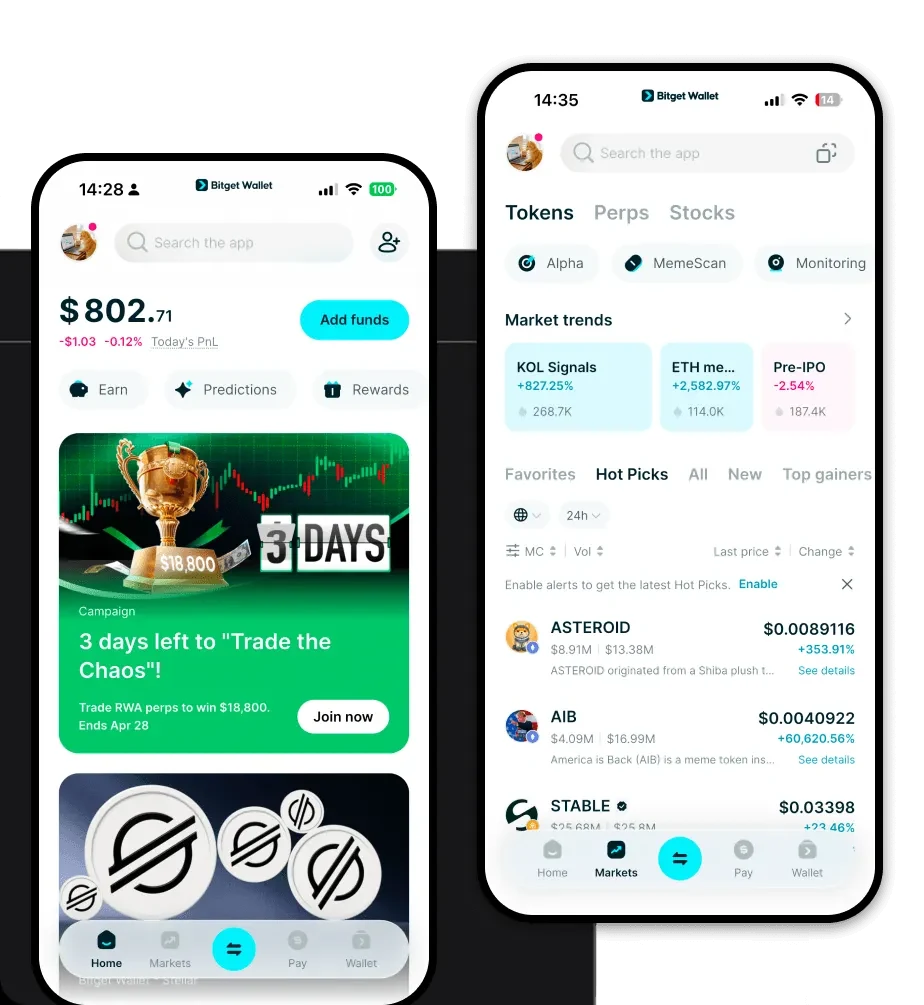
To start your journey, you need a reliable interface that offers full control over your assets. You can download Bitget Wallet to experience a non-custodial solution that puts you in the driver's seat. Whether you are on the go or at your desk, Bitget Wallet is available as an iOS app, an Android app, and a robust browser extension. By choosing a self-custodial wallet, you ensure that you—and only you—hold the private keys to your PPL tokens. Furthermore, its multi-chain architecture means you aren't just limited to one network; you can manage assets across 130+ blockchains in a single, unified interface.
Why Choose Bitget PPL Wallet?
- EVM Ecosystem Integration: As a token built on EVM architecture, PPL thrives within the Ethereum environment. Bitget Wallet offers native support for EVM-based dApps, ensuring you can swap, stake, or hold PPL without compatibility issues.
- Advanced Security Infrastructure: With a $300 million user protection fund, Bitget Wallet provides an extra layer of safety, combining decentralized self-custody with institutional-grade security mechanisms to protect your meme coin portfolio.
- Optimized Transaction Management: Managing high-volatility assets like PPL requires speed. Bitget’s smart gas fee estimation ensures your transactions are processed efficiently, helping you capture market opportunities before they slip away.
- Seamless DApp Exploration: Engage with the broader Web3 space directly through the built-in DApp browser, allowing you to connect your PPL wallet to community platforms and decentralized exchanges instantly.
How to Create a PPL Wallet
Setting up your wallet is a straightforward process designed to get you ready for the market quickly:
1. Download and Install: Visit the official app store or the Bitget website to download the Bitget Wallet app on your preferred device.2. Create a New Wallet: Open the app and select 'Create a Wallet'. You will be asked to set a strong, secure password for local access.3. Backup Your Seed Phrase: This is the most critical step. Write down your 12-word recovery phrase on paper and store it offline. Never share this with anyone.4. Verify Your Phrase: The app will prompt you to re-enter the words in the correct order to confirm you have backed them up correctly.5. Import/Receive PPL: Once your wallet is active, copy your public EVM address. You can now use this address to receive PPL tokens from exchanges or other wallets.
What Can You Do With a PPL Wallet?
Having a PPL wallet opens up a variety of ways to interact with the project and the wider crypto market:
Trading: Use your wallet to connect to decentralized exchanges (DEXs) to swap PPL for other tokens, allowing you to capitalize on the high volatility characteristic of meme coins.Speculative Holding: Secure your tokens in a non-custodial environment while waiting for market movements, ensuring your assets remain safe from centralized exchange risks.Community Participation: Use your PPL wallet to sign in to community-driven governance platforms or social sentiment-based dApps, proving your ownership and participating in the project's ecosystem growth.Liquidity Provision: By connecting to liquidity pools, you can contribute your PPL tokens to decentralized markets, potentially earning rewards while supporting the trading volume of the token.
How PPL Wallets Are Different from Other Crypto Wallets
When dealing with EVM-based tokens like PPL, your wallet experience is defined by the account-based model of the blockchain. Unlike UTXO-based chains (like Bitcoin), where you track unspent transaction outputs, EVM wallets manage balances associated with specific addresses. This allows for complex smart contract interactions, which are essential for meme coin trading. Furthermore, because PPL is an EVM token, your wallet must handle gas fees paid in the native chain currency (like ETH or BNB) to process transactions. Bitget Wallet optimizes this by providing clear fee previews and faster execution speeds compared to basic wallets, ensuring that your social-sentiment-driven trading strategies are never hindered by technical bottlenecks.